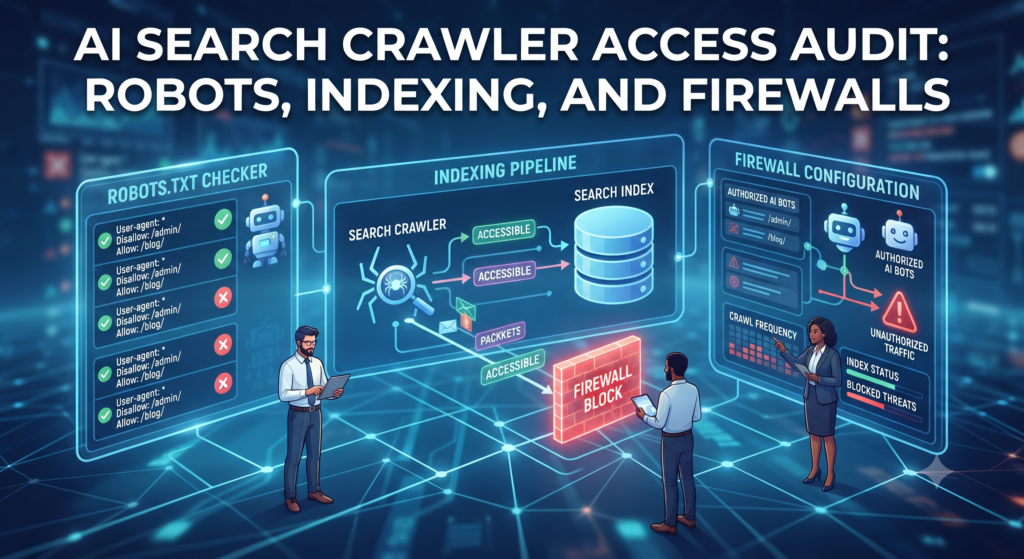
An AI search crawler access audit checks whether your intended public pages are available to relevant discovery systems. Inspect crawler permissions, HTTP responses, indexing controls, and firewall behavior separately. A working robots.txt rule cannot compensate for a blocked page response.
This audit supports an AI search visibility system. Passing the checks establishes intended access; it does not guarantee indexing, ranking, or citation.
Choose the pages and systems in scope
List the hub, its supporting articles, and important service pages. Record the preferred URL of each page. Then identify the search systems you want to support and the crawler rules you intend to apply.
OpenAI’s crawler documentation distinguishes OAI-SearchBot from GPTBot and user-initiated access. Search participation and model-training permissions are separate choices. Read the current reference rather than copying an old allowlist from a blog.
Inspect the full HTTP response
Check whether the intended page returns successfully, redirects to the right destination, or receives a challenge. A page that loads for a signed-in administrator may still fail for a public request.
Inspect both page content and response headers. Test the homepage and the actual article URLs; a firewall exception at the root path may not apply to every content path. Record the observation date and the rule that produced the behavior.
Review robots and indexing directives
Confirm the relevant robots.txt groups and path rules. Next inspect robots meta tags and X-Robots-Tag headers. These mechanisms serve different purposes. Google’s robots.txt introduction explains why blocking crawling is not a reliable way to remove a URL from search results.
If you intend a public page to be indexed, investigate unintended noindex directives. Remember that a crawler generally needs access to read a page-level directive. Do not make broad site-wide changes to solve a problem affecting one article.
Check canonicals and discoverability
Verify that canonical links point to the intended equivalent page rather than an unrelated hub. Include published canonical URLs in your sitemap and link to them from relevant public pages.
Inspect whether meaningful content appears in the delivered page or depends on an interaction the crawler may not perform. Important answers, limitations, and evidence links should be available as ordinary page content.
Inspect firewall and bot controls
Use access logs to investigate blocks and challenges. A user-agent string is easy to imitate, so do not treat it as proof of crawler identity. When a provider publishes verification guidance or IP ranges, use the current official information to configure intended access.
Apply narrow rules and retain protections for private areas. The aim is access to selected public content, not removal of every security control across the website.
Keep an audit record
| Check | Evidence to keep |
|---|---|
| Page response | Status, redirect target, and challenge behavior |
| Crawler permissions | Relevant robots group and path rule |
| Indexing controls | Page tag and response-header findings |
| Canonical URL | Declared target and intended equivalent |
| Firewall | Matched rule and verification method |
Separate confirmed blocks from missing evidence. The absence of a log entry does not establish that a crawler tried to visit. Ask the hosting owner about logging coverage before drawing conclusions.
Retest after the fix
Repeat the same requests, inspect the response, and record the changed rule. Use the search platform’s diagnostic tools where available. Once access is confirmed, review content usefulness and run consistent citation observations rather than expecting an immediate appearance.