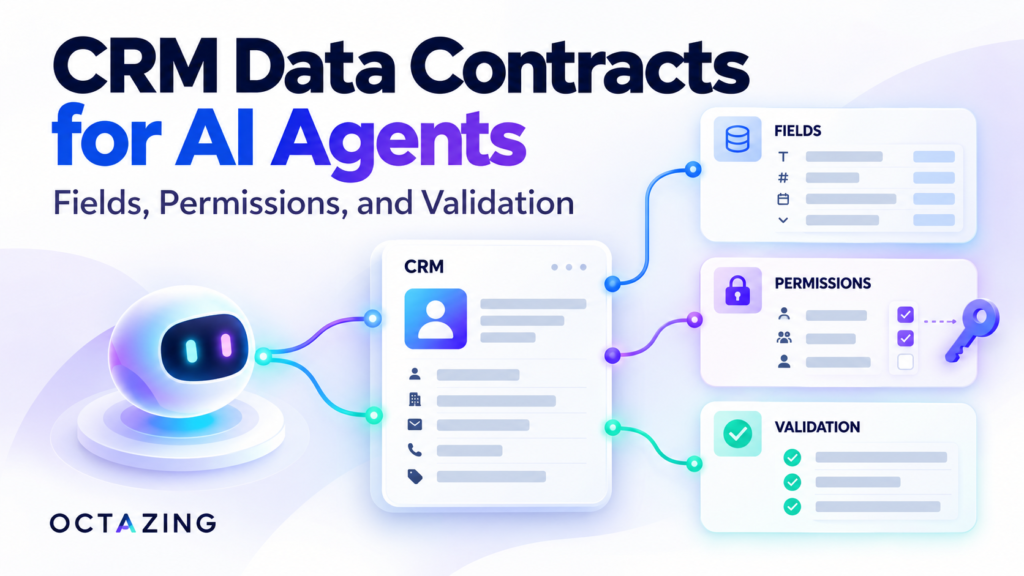
A CRM data contract for AI agents defines the data a workflow may read, the fields it may propose, and the checks required before a change is written. It makes ownership, allowed values, and evidence explicit so plausible model output cannot silently become an authoritative customer record.
Start with the agentic marketing automation framework, then write a contract for one workflow.
Define the field boundary
Give each field an owner, an allowed source, a type, and an update policy. Some fields are authoritative input, some are model proposals, and some are computed from business rules.
| Field | Authority | Proposed policy |
|---|---|---|
| Submission ID | Intake system | Immutable event identity |
| Contact details | Approved intake or CRM record | Preserve; exclude from model input when unnecessary |
| Requested service | Explicit selection or reviewed extraction | Approved service list; unresolved values remain unknown |
| Lead owner | Routing policy | Assigned by permitted business rules |
| Qualification reason | Validated evidence and policy | Retain the source and rule version |
This is a suggested contract structure. Adapt it to your CRM objects and actual field behaviour.
Preserve unknown values and evidence
If a prospect has not stated a budget, store an unknown value. Do not let the model fill the field using company size, writing style, or a guessed industry benchmark.
For extracted fields, retain the relevant evidence from the enquiry. If the form selection conflicts with the text, flag the disagreement. The AI lead triage workflow shows how to separate extraction from scoring.
Restrict what tools can access
Use a dedicated integration identity where your system supports it. Limit its access to the required records and operations. Enforce account or workspace boundaries in the application and destination permissions.
An instruction such as “only read this account” helps describe intent but cannot replace an access check. Prospect messages, retrieved notes, and external pages are untrusted data; they must not redefine tool permissions or writable fields.
Validate before executing a change
- Confirm the event and target record identities.
- Reject unapproved fields and invalid field types.
- Check allowed values and required source evidence.
- Confirm the integration is permitted to perform the action.
- Verify that any required approval covers the exact proposed update.
- Check whether the record has changed since the proposal was prepared.
If the destination supports conditional updates or version checks, use them. Otherwise, enforce the comparison through your integration design and handle the remaining concurrency risk explicitly. Avoid overwriting a salesperson’s recent change with an old proposal.
Use the human approval guide for changes that require review.
Design retries around business identity
A repeated submission may be a retried event or a legitimate new enquiry from the same person. Event identity prevents repeated processing of one delivery. Contact identity helps associate enquiries with the right person. They solve different problems.
Keep a persistent record of attempted and completed actions. After a destination timeout, inspect the record or delivery state before repeating a side effect. A successful retry must not create a second acknowledgement or silently discard a new enquiry.
Keep analytics payloads separate
A CRM record and an analytics event have different purposes and data rules. Google’s Analytics guidance on personally identifiable information prohibits sending information such as contact email addresses and personal phone numbers to Analytics. Check URLs, parameters, event fields, and free text before transmission.
For AI inputs and execution logs, retain only the data required by the task and the approved review process. Decide where the original enquiry belongs and how long the supporting operational records should remain available.
Confirm the completed handoff
Verify that the CRM contains the intended values and an accountable owner. Record the difference between “write requested,” “write confirmed,” and “handoff accepted.” A chat notification alone does not establish that someone owns the follow-up.
Use the existing CRM lead orchestration article for the handoff context, and test your contract with the marketing AI evaluation checklist.
Frequently asked questions
Does valid JSON mean the data is correct?
No. Structured output can still contain unsupported values. Validate its meaning, source, permissions, and target record.
Should an agent have full CRM access?
Define access around the particular workflow. Broader access increases the number of actions and data boundaries your team must evaluate and support.
Define your AI workflow’s CRM boundary. Request a review from Octazing with the fields, actions, and systems involved in one important handoff.