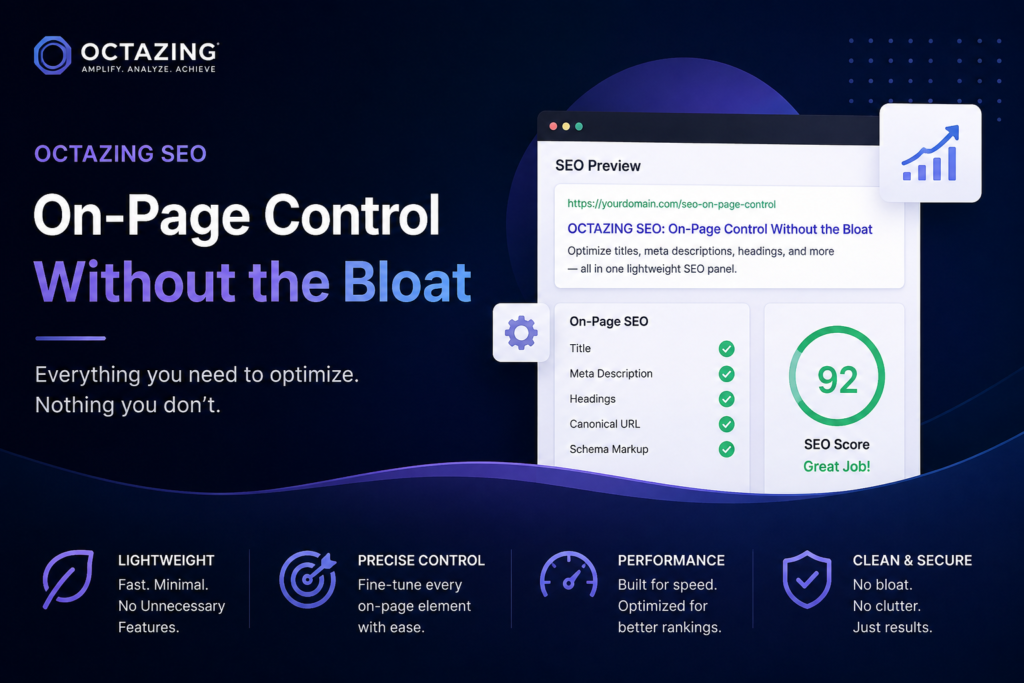
Most WordPress sites do not need another all-in-one marketing suite. They need reliable control over how pages appear in search and on social networks—and enough structure for search engines to understand what the page is about.
OCTAZING SEO is built for that narrower job: meta titles and descriptions, social previews, flexible Schema.org markup, a practical bulk editor, a simple sitemap, and same-site redirects. It is designed to sit cleanly on posts, pages, and public custom post types without taking over the whole admin.
What the plugin is for
Search visibility still depends on content quality, technical health, relevance, and competition. No plugin changes that. What a focused SEO plugin can do is make the signals you do control consistent and intentional:
- The HTML title that shows in browser tabs and search results
- The meta description that often frames the snippet
- Open Graph / Twitter tags for link previews
- Structured data so machines can interpret page type and relationships
- Canonical URLs and basic robots choices when you need them
OCTAZING SEO centers on those controls and leaves campaign automation, heatmaps, and rank tracking to other tools.
Meta titles and descriptions that actually apply
Custom fields only help if the front end uses them.
OCTAZING SEO stores per-entry meta title and meta description, then applies them through WordPress document-title APIs (including modern title-tag support and older wp_title paths) and outputs a standard <meta name=”description”> in the head. Social tags can reuse those values or use separate social title, description, and image fields when you need a different preview.
If a field is left blank, configurable templates fill the gap with tokens such as %title%, %sitename%, %separator%, %excerpt%, and %type%. That keeps coverage high on large sites while still allowing deliberate overrides on high-value URLs.
Site identity defaults to the installed WordPress site name and tagline, not a hardcoded third-party brand on the visitor-facing output. You can still override site name, homepage title, and description under Settings.
Schema.org: presets plus full control
Structured data is easy to underdo or overdo. The plugin takes a middle path.
Presets cover common types, including WebPage, Article, BlogPosting, NewsArticle, Service, Product, LocalBusiness, Organization, Person, FAQPage, HowTo, Event, Course, and SoftwareApplication, with sensible automatic mapping for posts, pages, and familiar custom types.
For anything outside those shells—or for richer graphs—you can paste custom JSON-LD. Invalid JSON is ignored on the front end so a typo does not break the page. Choose Custom when the custom block should be the primary markup, or keep a preset and add extra JSON alongside it.
FAQPage includes a simple question-and-answer builder. Site-wide options can emit WebSite (with SearchAction) and Organization (name, logo, sameAs profile URLs), plus BreadcrumbList on singular content when enabled.
That combination is enough for many service and content sites without forcing a separate schema product.
Bulk editing and day-to-day workflow
Editing SEO fields one post at a time does not scale. The Bulk Editor loads up to 100 items for a chosen content type and lets you adjust title, description, focus keyword, and robots in one pass. Empty fields continue to use automatic fallbacks.
On the post screen, a compact analysis panel (optional) checks approximate title and description length and whether a focus keyword appears in those fields. It is a writing aid, not a ranking guarantee.
An optional XML sitemap and simple 301/302 redirects (same-site destinations only) cover common technical needs without duplicating a full redirect platform.
Who it fits
OCTAZING SEO is a good fit when you:
- Want explicit meta and social control on a content-heavy or service-led WordPress site
- Use public custom post types and need them covered by the same system
- Prefer writing your own Schema.org JSON for edge cases instead of fighting a rigid UI
- Already run (or plan to run) a lean stack and do not want overlapping SEO plugins fighting over the same tags
It is a weaker fit if you need built-in rank tracking, content AI, or a full marketing CRM inside WordPress. Those belong in dedicated tools.
Installation and updates
Install like any other plugin: upload the ZIP under Plugins → Add New, activate, then open OCTAZING SEO → Settings to confirm site identity, templates, and feature toggles.
When the plugin is connected to GitHub Releases, WordPress can surface updates through the normal dashboard update flow (via an included update checker). Publish a new release with a correctly structured ZIP asset, and sites pointed at that repository can pick up the new version. Always back up before updating.
The code is licensed under GPL-2.0-or-later, so it can be used and redistributed under the same license terms.
A practical stance on SEO software
Plugins do not create demand or replace clear positioning. They reduce friction: fewer missing titles, fewer accidental noindex mistakes, clearer previews when someone shares a URL, and structured data that matches what the page actually is.
OCTAZING SEO is built around that stance—lightweight on-page control, flexible schema when you need it, and defaults that respect the site it is installed on.
If you run WordPress for services, case studies, and content that has to stay measurable from first touch to attributed outcome, this is the layer that keeps the public signals consistent while the rest of the stack does the heavier work.