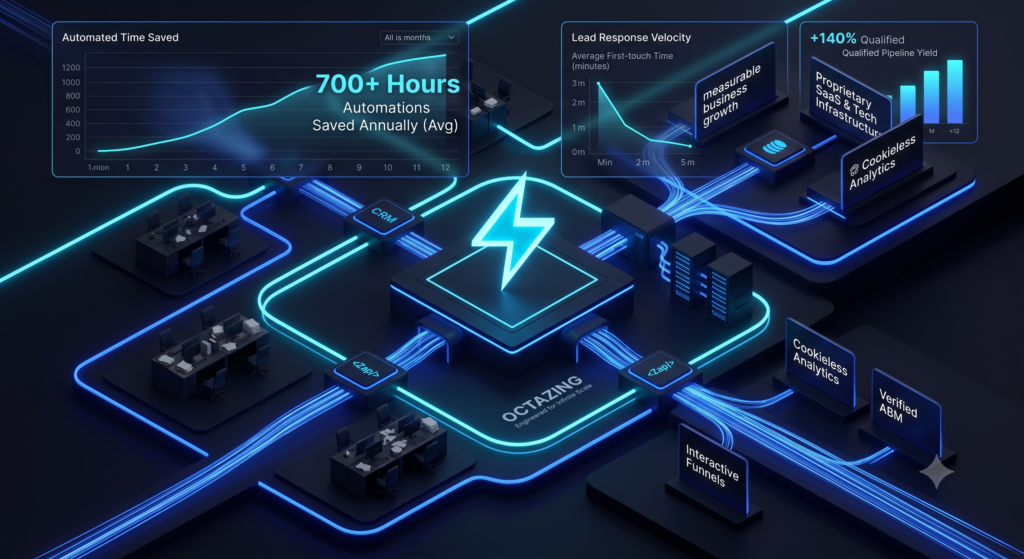
Most small and mid-size teams that implement focused workflow automation recover 5–15 hours per person per week within the first 60–90 days. The biggest gains come from lead routing, repetitive data entry, approval chains, and status updates. Claims of “20+ hours saved overnight” are almost always marketing.
Time savings are real, but they are uneven. Understanding where the hours actually come from prevents disappointment and helps you prioritize.
Realistic Ranges by Situation
- Individual contributor or very small team (focused automations): 4–10 hours per week.
- Small business (5–20 people) with several core processes automated: 5–15 hours per person per week on average.
- Larger teams with mature automation programs: higher absolute hours, but the per-person figure often settles in a similar range once the easy wins are captured.
These numbers assume the automations are stable and monitored. Poorly built workflows can consume almost as much time in maintenance as they save.
High-Impact vs Low-Impact Processes
Highest returns usually come from:
- Anything involving data entry or copy-paste between systems.
- Lead or inquiry routing and first response.
- Approval and notification chains.
- Recurring reporting or status updates.
- Onboarding sequences.
Lower or delayed returns often come from:
- Highly variable or judgment-heavy work.
- Processes that change frequently.
- One-off or low-frequency tasks.
How to Calculate Your Own Potential Savings
- List the repetitive processes your team handles.
- Estimate average time spent per occurrence and frequency per week.
- Multiply to get current weekly hours.
- Estimate the percentage that can be reliably automated (usually 50–80% for well-chosen processes).
- Subtract expected setup and light monitoring time.
Even conservative estimates often justify the effort.
Why Some Teams See Almost Zero Savings
Common reasons include automating the wrong processes, building fragile workflows that need constant fixing, lack of ownership after launch, and measuring activity instead of net time recovered. The teams that succeed treat automation as an ongoing operational practice, not a one-time project.
FAQ
When will I see the time savings?
Initial wins often appear within the first 2–4 weeks of a well-chosen workflow going live. Broader program-level savings typically show clearly by 60–90 days.
Does AI automation save more time than traditional tools?
It can, especially for unstructured tasks (summarizing, classifying, drafting). For structured, high-volume processes, traditional trigger-action tools still deliver the most reliable hours back.
How do I protect the time that is saved?
Be intentional. Reinvest the hours into higher-value work or capacity rather than letting them get absorbed by new low-value tasks.
Realistic expectations plus focused execution produce the results that last.
Explore Octazing’s n8n workflow systems for implementation support, or discuss the process you want to improve.