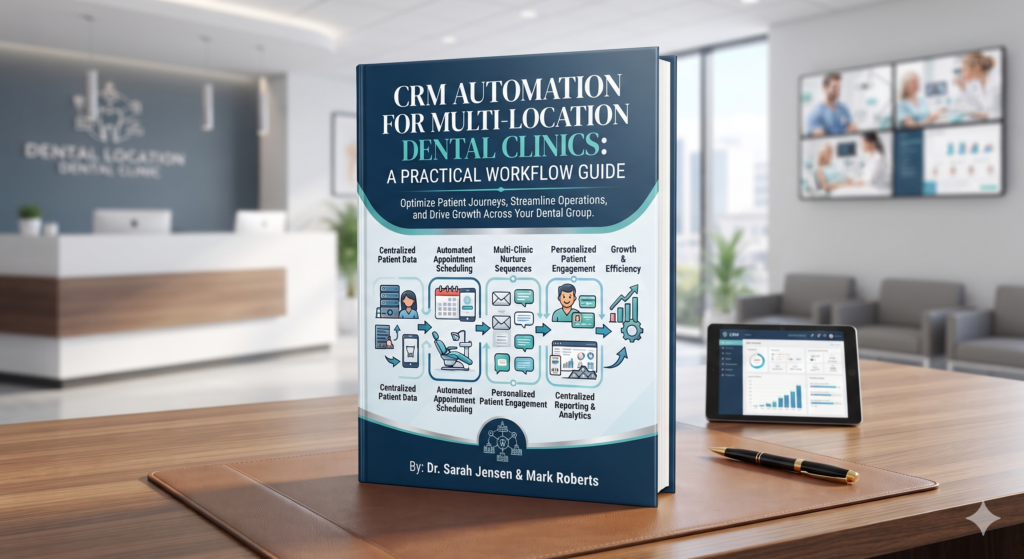
A multi-location dental group may receive enquiries through website forms, calls, paid campaigns and location pages. When each office follows a different process, it becomes difficult to see who owns each enquiry and what happened after the first contact.
CRM automation for dental clinics can make those handoffs more consistent. It connects the clinic’s lead sources, CRM records, follow-up tasks and reporting rules so the team can see what needs attention. The purpose is to support staff, not to automate clinical judgement or replace personal communication.
Start with a shared lead process
Before changing software, document how an enquiry moves through the practice today. Identify the first point of capture, who reviews it, how it is assigned to a location and how the outcome is recorded. Compare the process across offices and decide which steps should be common.
A simple starting lifecycle might include new, assigned, contacted, appointment scheduled, follow-up needed and closed. Define what each status means and who is responsible for updating it. Shared definitions make a CRM useful across locations.
Four workflows to automate
Route enquiries to the correct office
Use the location or service information supplied by the prospective patient to route the record. Add a review queue for incomplete or unmatched records. This gives the team a way to handle exceptions rather than letting them disappear.
Create an owned follow-up task
When an enquiry is captured, assign a task to a named staff member. If the owner is unavailable, route it to a backup. Keep the assignment visible in the CRM so the front desk and managers can see who is responsible.
Prevent duplicate records
Set rules for identifying possible duplicates using approved fields. When the system is uncertain, flag the records for staff review instead of automatically merging them. A mistaken merge can hide useful history or combine information that should remain separate.
Record the result consistently
Prompt staff to select an outcome after follow-up. Use a short list that matches the clinic’s process, and review the list periodically. Avoid adding statuses that no one uses.
Protect reporting quality
A CRM workflow should preserve the source and location information needed for reporting. Agree on how calls, forms and scheduled appointments are counted. Check that each event is recorded once and that missing information is shown clearly rather than inferred.
Review access permissions, retention settings and the information sent between connected tools with appropriate internal or professional advisers. Keep marketing workflows limited to the operational details staff need.
Roll out one office at a time
Pilot the workflow at one location or with one enquiry source. Test routing, notifications, duplicate handling and reporting using sample records. Ask staff where the steps are confusing, update the rules, then expand after the process works reliably.
Octazing helps businesses with CRM and marketing automation, lead management, workflow automation and reporting. A workflow review can identify which handoffs should be standardised before the clinic changes its systems. Explore Octazing’s services.